
2026 finds · QC · W2C
OkeyHaulSpreadsheet
Chinese Goods Delivered Globally
Browse OkeyHaul spreadsheet finds, check QC photos and W2C links, then consolidate shipping when you order.
Popular OkeyHaul finds
Shoes, hoodies, jackets, pants and more from this site’s sample — open a card for QC notes, then continue ordering.
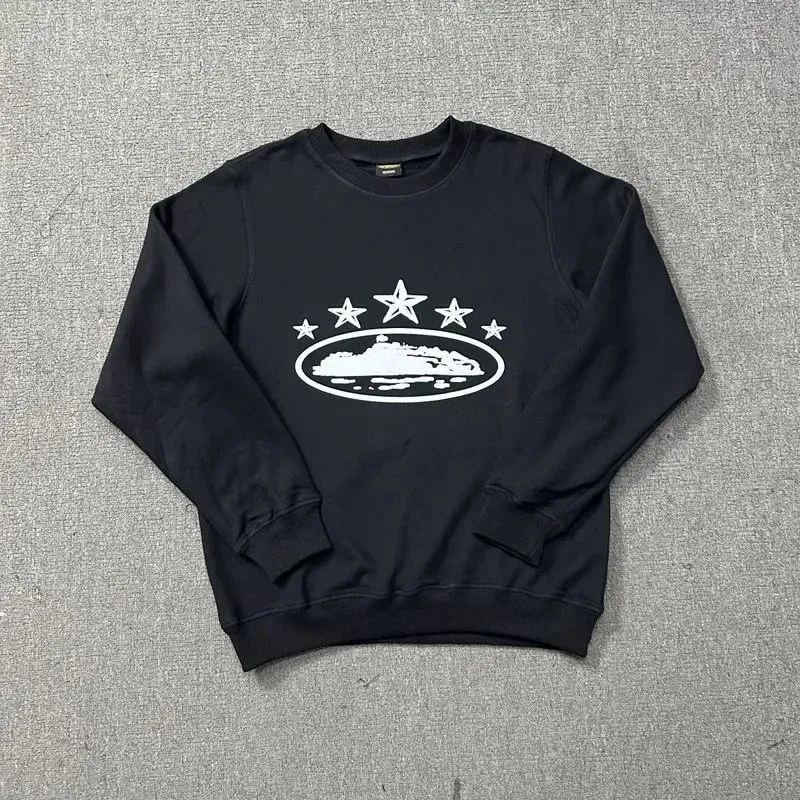
Black Crewneck Sweatshirt with Star & Ship Graphic
~$40
589 QC

Alo粉白色长袖运动上衣
~$23
45 QC

Burberry Black Hooded Parka
~$75
45 QC
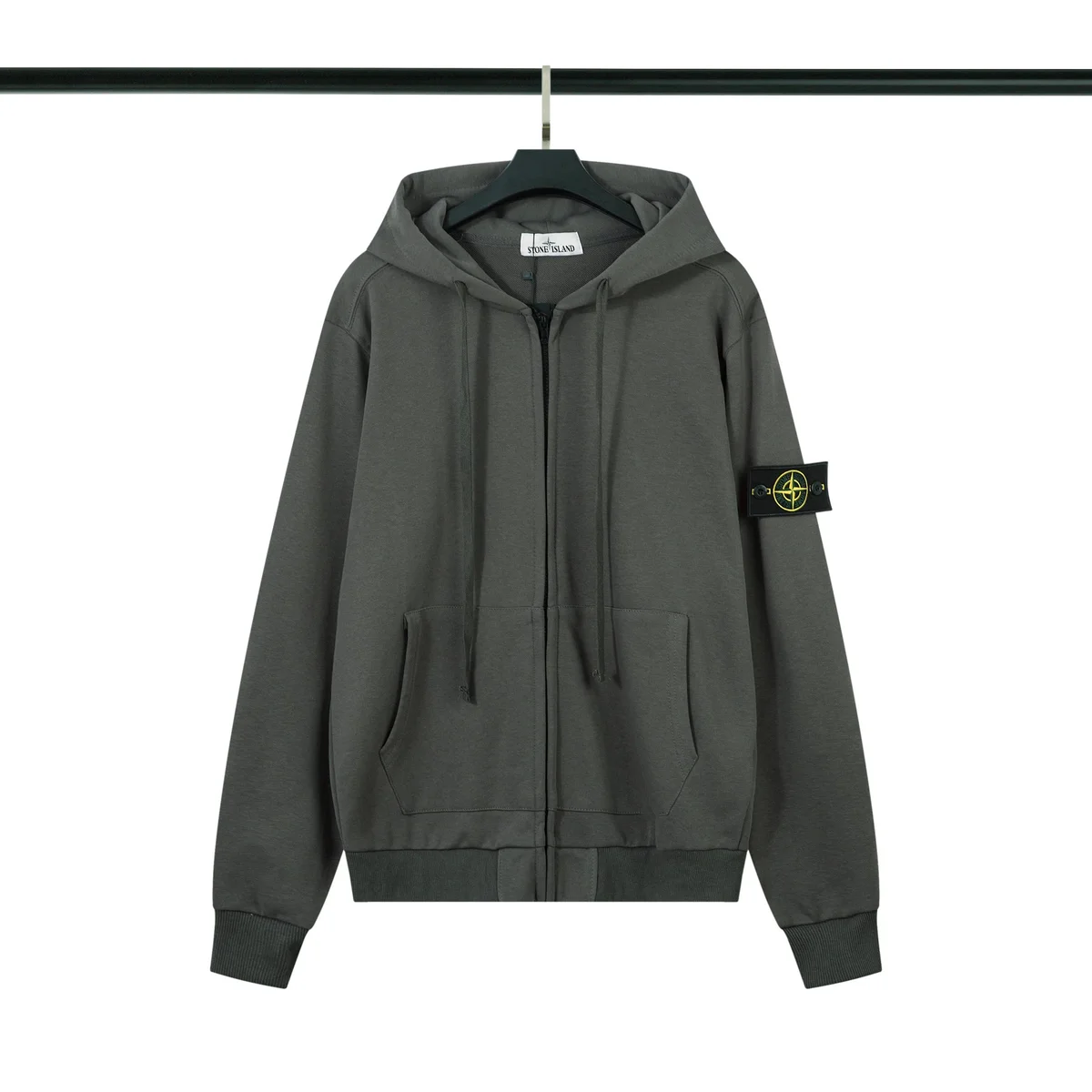
Stone Island 68-15 Dark Grey Hoodie
~$27
55 QC

Canada Goose Chilliwack Navy Blue Parka
~$111
62 QC
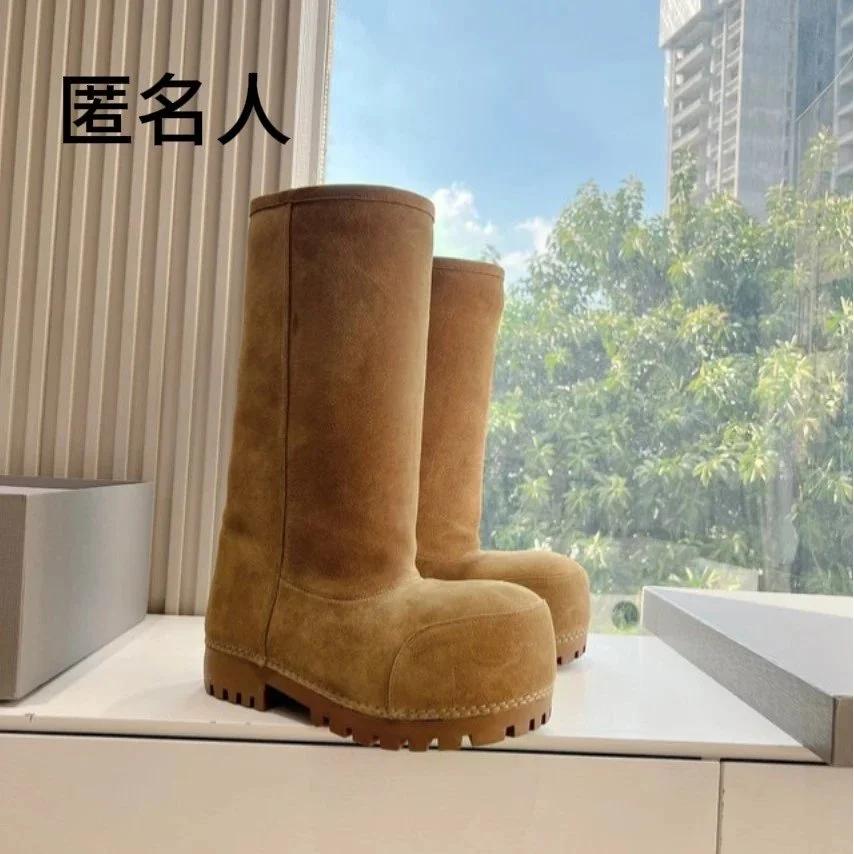
Unisex Suede High-Top Boots Chestnut
~$117
451 QC
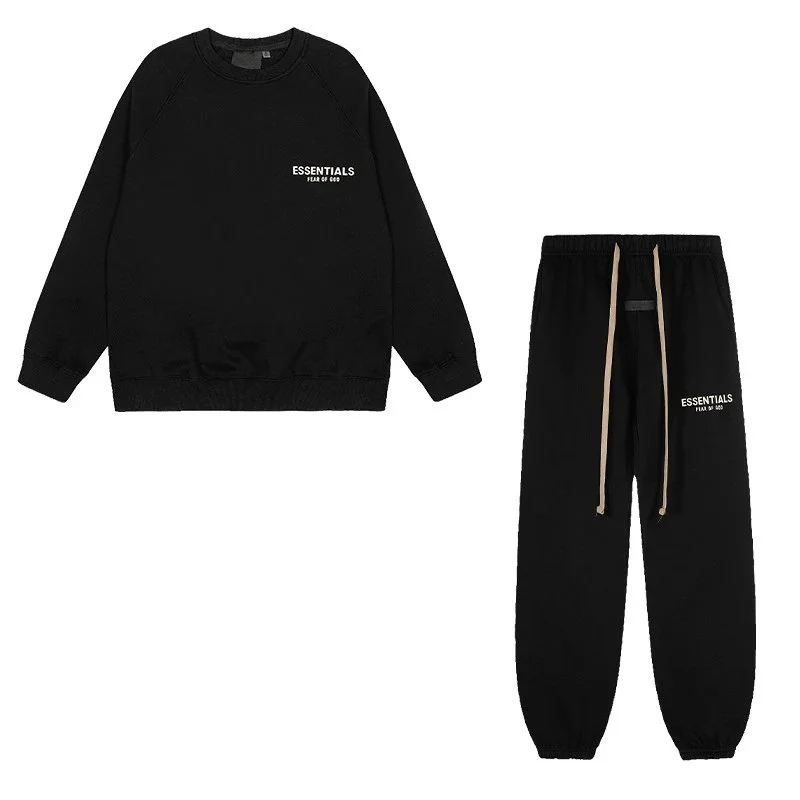
Fear of God Essentials Black Round Neck Set
~$40
122 QC

Burberry TB Monogram Black T-Shirt & Shorts Set
~$37
64 QC

Nike Nocta Tech Fleece Sweatpants Deep Blue
~$28
80 QC

Stone Island 68-15 Black Trousers
~$17
66 QC
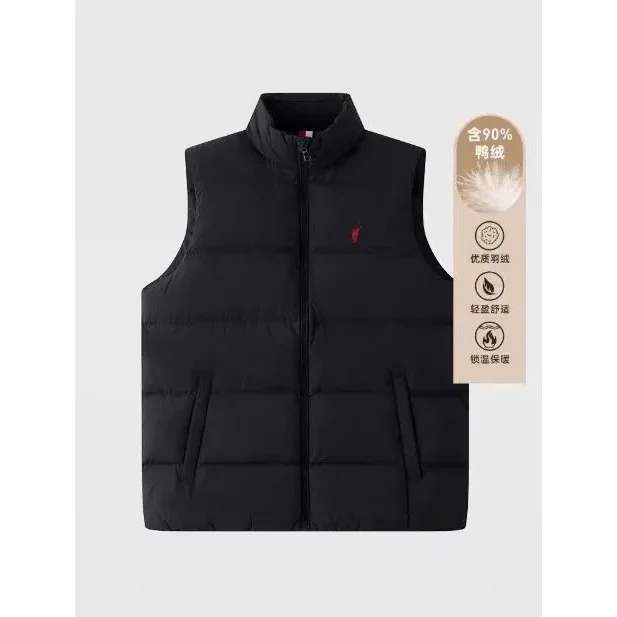
Polo Ralph Lauren Black Polo Bear Vest
~$65
242 QC
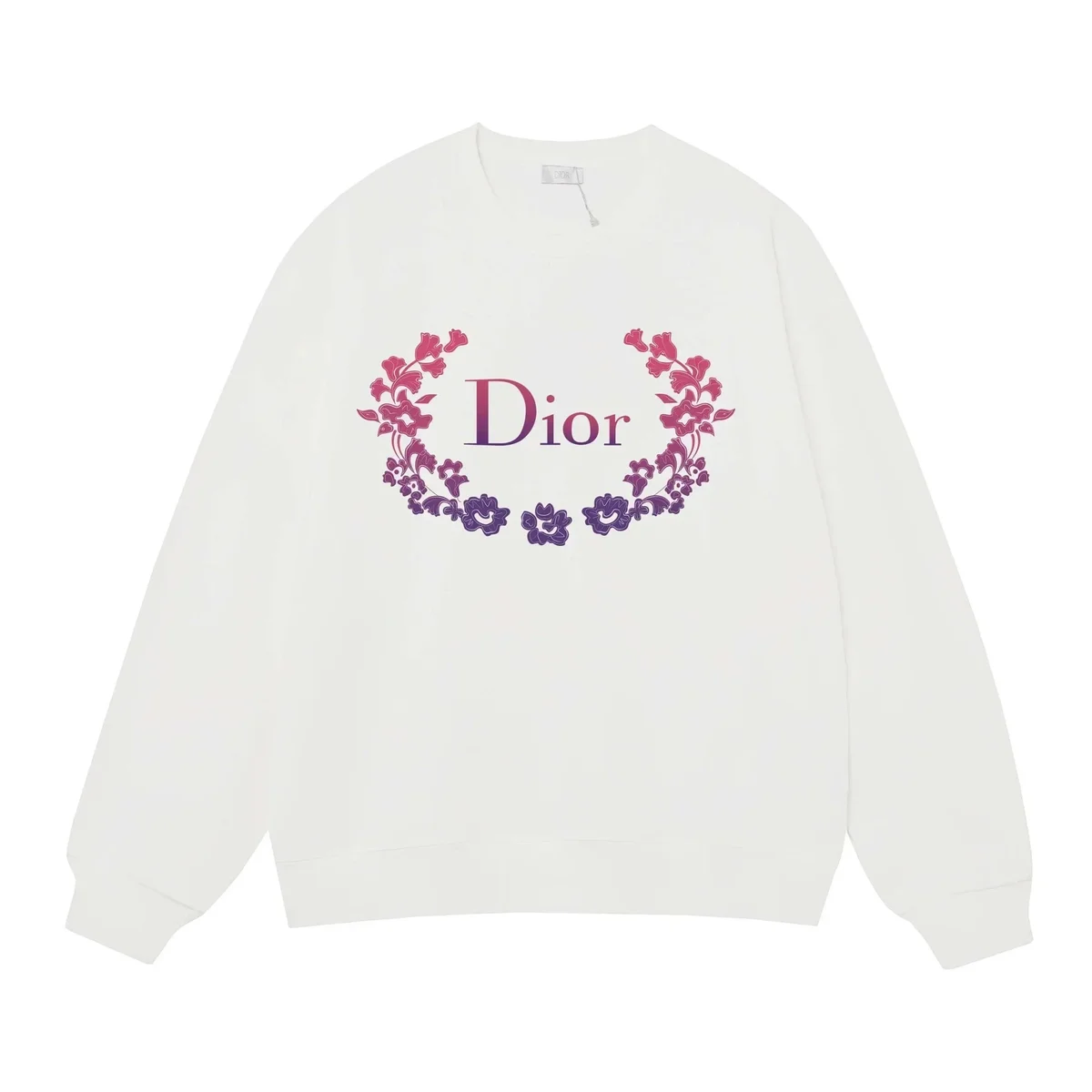
Dior White Floral Logo Crewneck Sweatshirt
~$30
93 QC
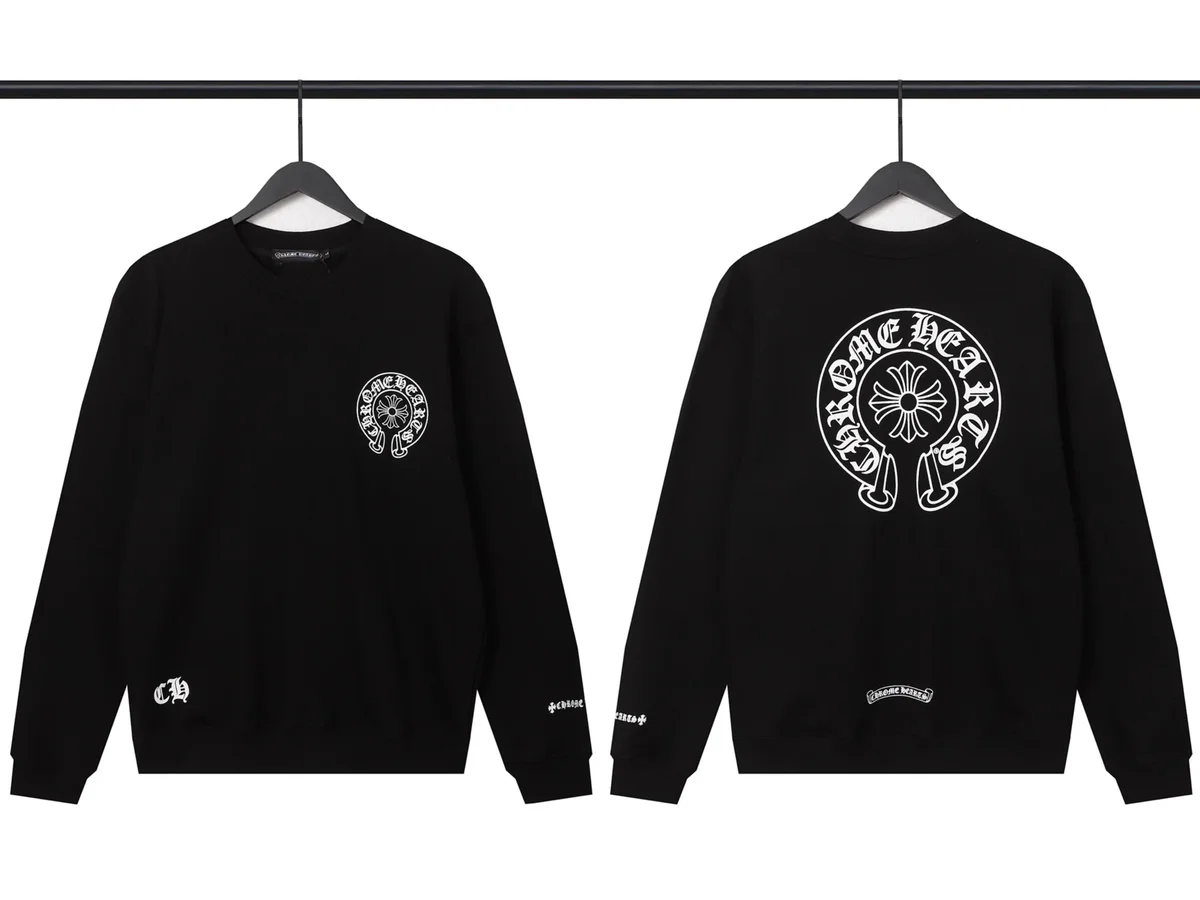
Chrome Hearts Home Heart Black Crewneck Sweatshirt
~$20
32 QC

The North Face Nuptse Black Jacket
~$69
34 QC
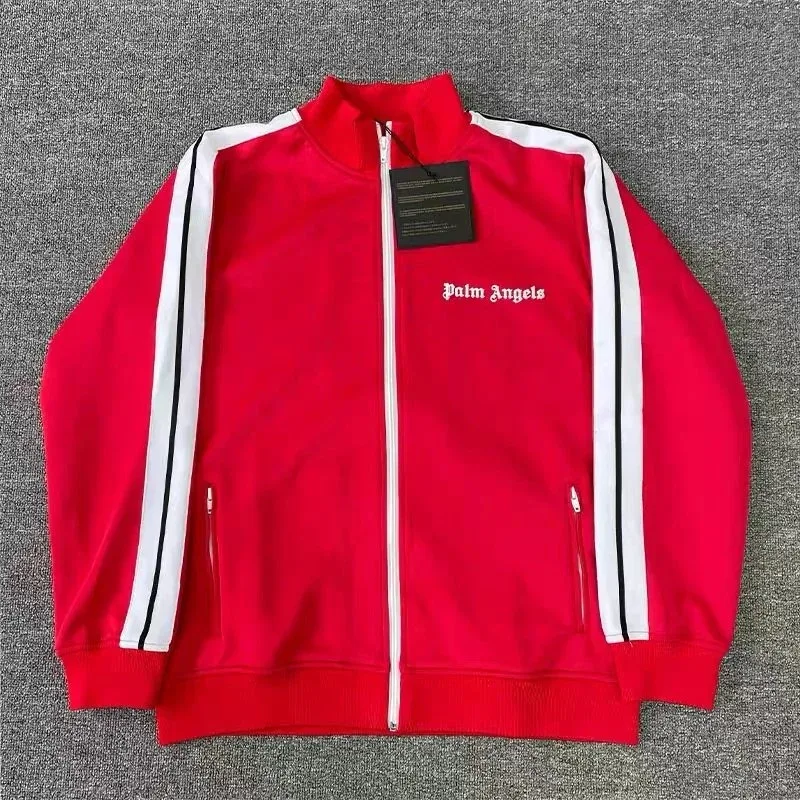
Palm Angels Track Red Jacket
~$24
43 QC
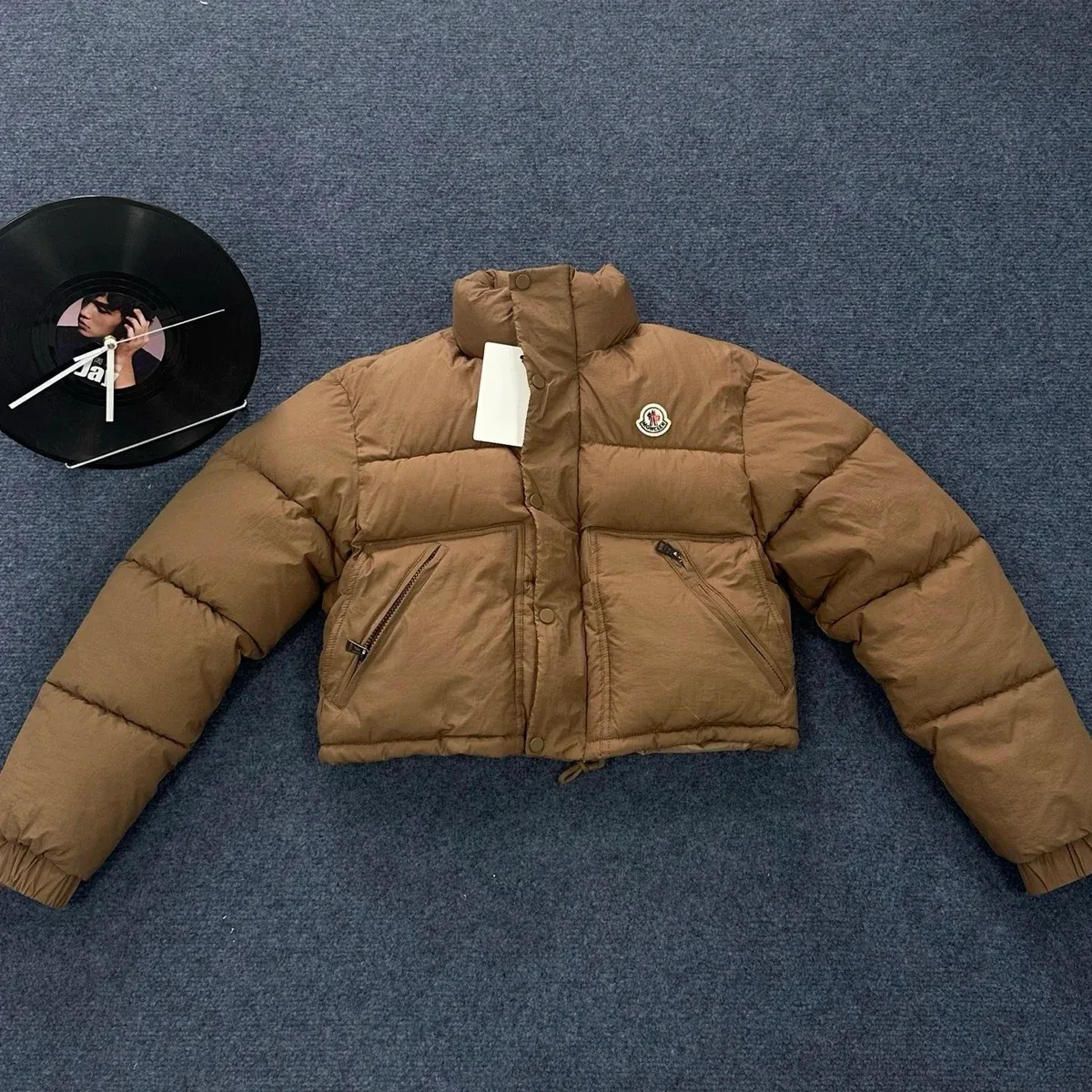
Moncler Maya Brown Puffer Jacket
~$33
29 QC
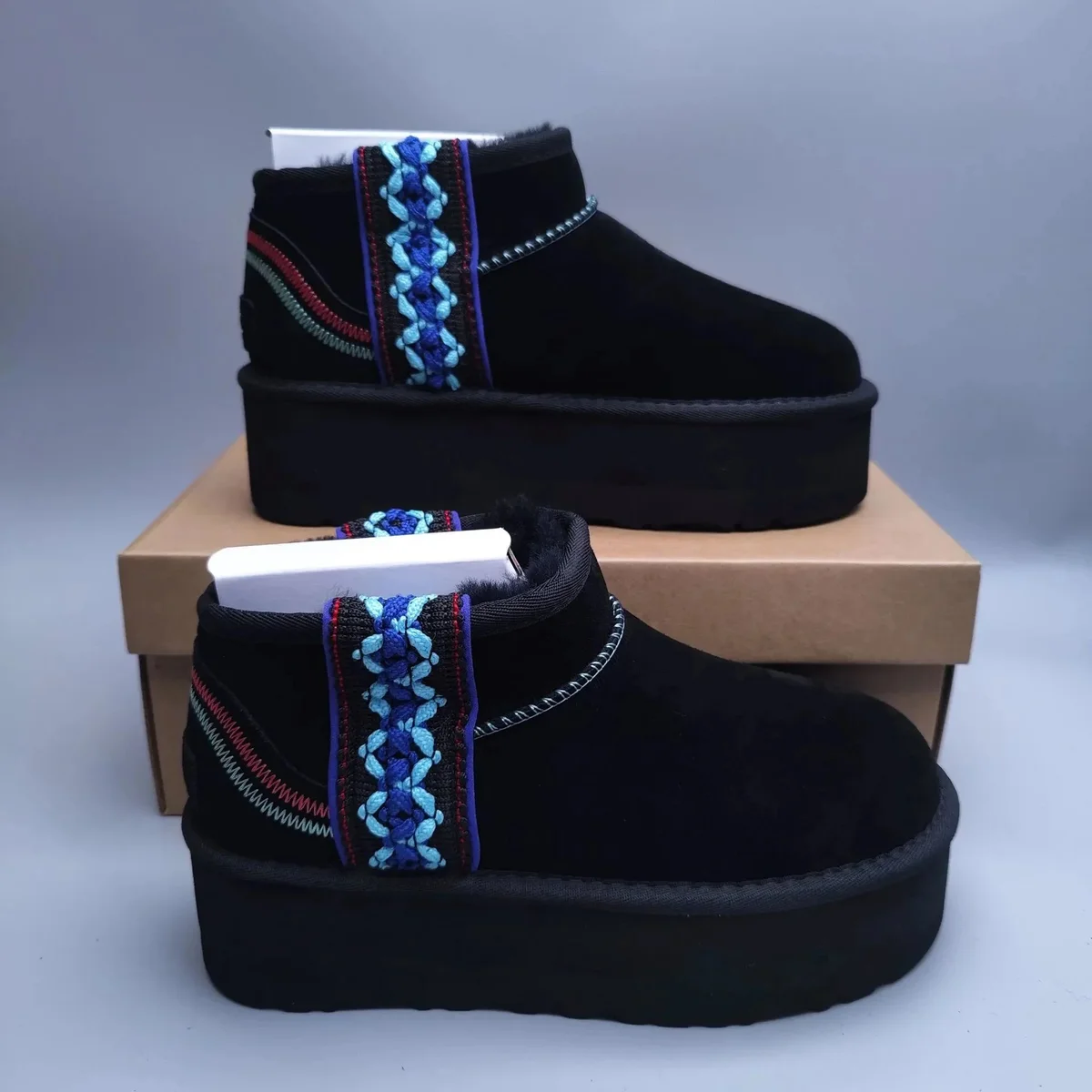
UGG Classic Short Black Embroidered Boots
~$101
90 QC

Adidas Real Madrid Classic Football Jersey & Shorts Set Royal Blue
~$14
88 QC
Browse by category
Shoes, T-Shirts, Hoodies, Jackets, Pants, Bags, Watches, Accessories, Electronics and Sets.



12h
Procurement
3h
QC
4h
Packing
10–15d
EU / NA transit
How to use the OkeyHaul Spreadsheet
A clear path: find → verify → QC → one parcel.
01
Find & verify
Pick a spreadsheet find, open the live seller link, confirm size, colour and stock.
02
Submit the order
Paste the verified link at checkout. Pay item cost plus China domestic freight.
03
Review QC photos
Match warehouse photos to your listing before the storage window runs down.
04
Consolidate & ship
Combine eligible orders into one parcel, compare routes, then pay freight.
Helpful guides
QC photos, W2C links, fees and shipping — pick the topic you need before you order.
OkeyHaul Spreadsheet FAQ
Common questions about finds, QC photos, W2C and ordering.
What is an OkeyHaul Spreadsheet?+
A discovery catalogue of product finds — categories, links and QC context. It is not the checkout itself. You shortlist here, then continue ordering in a new tab.
How do I use the OkeyHaul Spreadsheet?+
Browse a category, open a find, verify the live seller listing, then submit the link at checkout for purchasing, QC and shipping.
Where can I find OkeyHaul QC photos and W2C links?+
Use the QC and W2C guides on this site, then review warehouse photos and source links before you consolidate a parcel.
Is this affiliated with okeyhaul.com?+
No. Independent spreadsheet guide. Some outbound order links may earn a commission at no extra cost to you.
Ready to order from OkeyHaul Spreadsheet?
Keep browsing finds here, then finish purchasing, QC and shipping when you are ready to buy.